XR Halftones
Mac only, no Windows version. Download with a free account - created in 30 seconds.
CMYK halftone printing, right inside After Effects. The plugin doesn't lay a dot pattern over your image: it does what a press does - it separates the image into four inks, cyan, magenta, yellow, black, and screens each one on its own. That's why colors behave like print: where dots of two inks overlap they darken, where they part they let the paper show. The separation can go through ColorSync, macOS's color manager: your halftone and a CMYK conversion made in Photoshop then start from the same numbers.
A true ink separation
Four inks screened one by one, with real pressroom controls: black generation, per-ink density, and a faithful dot gain - positive and the image thickens like on press, negative and it lightens and breaks up. Built-in separation, or through ColorSync for Photoshop-matched numbers.
A screen that lives
Dot size, edge softness and gain, luma-driven dot scaling, paper grain. Plus the jitter that gives the boil of a print photocopied frame after frame - its rate is set independently of the comp's, or switched off for a perfectly still screen.
Rotoscoping without masks
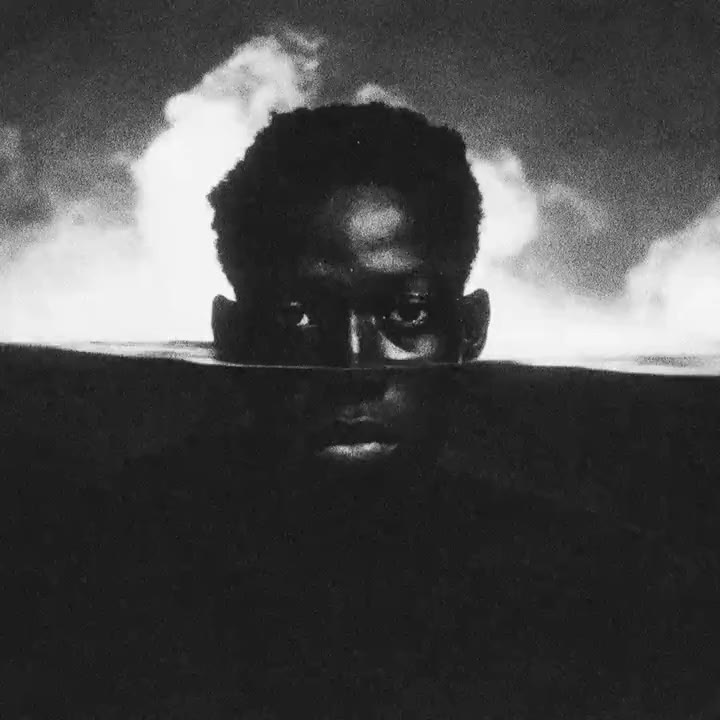
Screen the subject or the background separately, with nothing to rotoscope: the silhouette is detected by macOS's Vision framework. Cut the subject onto transparency, soften, roughen or scatter the edge, and add an animated outline with adjustable width, speed and complexity.
Requirements
- macOS 12 (Monterey) or later - rotoscoping uses the Vision framework
- Apple Silicon or Intel - universal plugin, no Rosetta
- After Effects (SmartFX API, since CC 2015)
- About 11 MB of disk space - halftone and paper textures embedded
- CPU-only rendering, no internet connection
License
Personal plugin, distributed as is, without warranty. All the code is original. The optional CMYK separation relies on ColorSync and the silhouette detection on Vision, two components already present in macOS.
Found a bug, got an idea?
Private message, sent directly to Xavier Reyé with the plugin name. Nothing is published. Leave an email address to get a reply.